
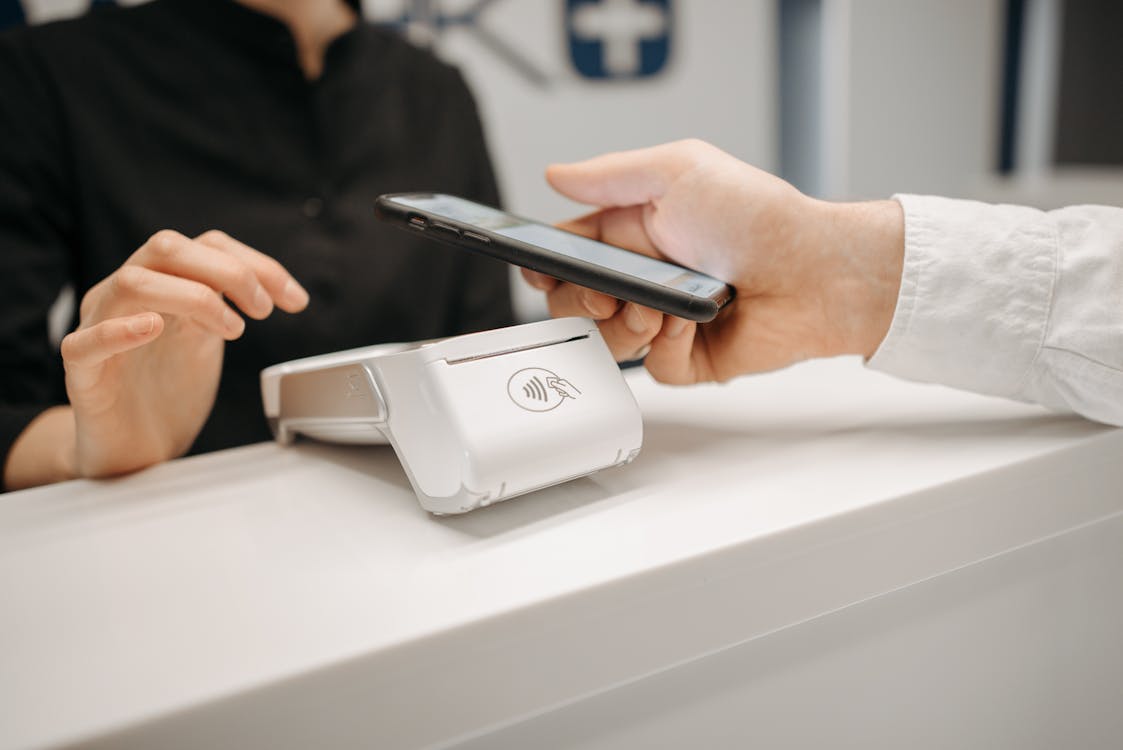
Compatible with leading POS systems

Key integration features
Centralized menu management
Update your menu in one place and automatically sync changes across all platforms.
Automated order routing
Orders from all channels are automatically sent to your POS system, eliminating manual entry.
Unified reporting
Get comprehensive sales data across all ordering channels in a single dashboard.
How it works
Connect your POS
Link your existing POS system with OrderQ through our secure API
Sync your menu
Import your menu items, modifiers, and pricing from your POS system
Configure settings
Set up order routing, printer configurations, and notification preferences
Start receiving orders
Begin accepting orders from all channels directly into your POS system
"OrderQ's POS integration has been a game-changer for our restaurant. We've eliminated the need for manual order entry, reduced errors, and streamlined our entire operation. The time savings alone has been worth the investment."

Michael Chen
Owner, Fusion Kitchen
Frequently Asked Questions
Which POS systems do you integrate with?
OrderQ integrates with most major POS systems including Toast, Square, Lightspeed, Aloha, and many others. Contact us to check compatibility with your specific POS.
How long does it take to set up the integration?
Most integrations can be set up within 24-48 hours. Our team will guide you through the process and ensure everything is working properly.
Do I need to update my menu in multiple places?
No, with our POS integration, you can manage your menu in one place. Changes made in your POS will automatically sync to your online ordering platform.
Is the integration secure?
Yes, we use industry-standard encryption and security protocols to ensure your data is protected. All integrations are built with security as a top priority.