
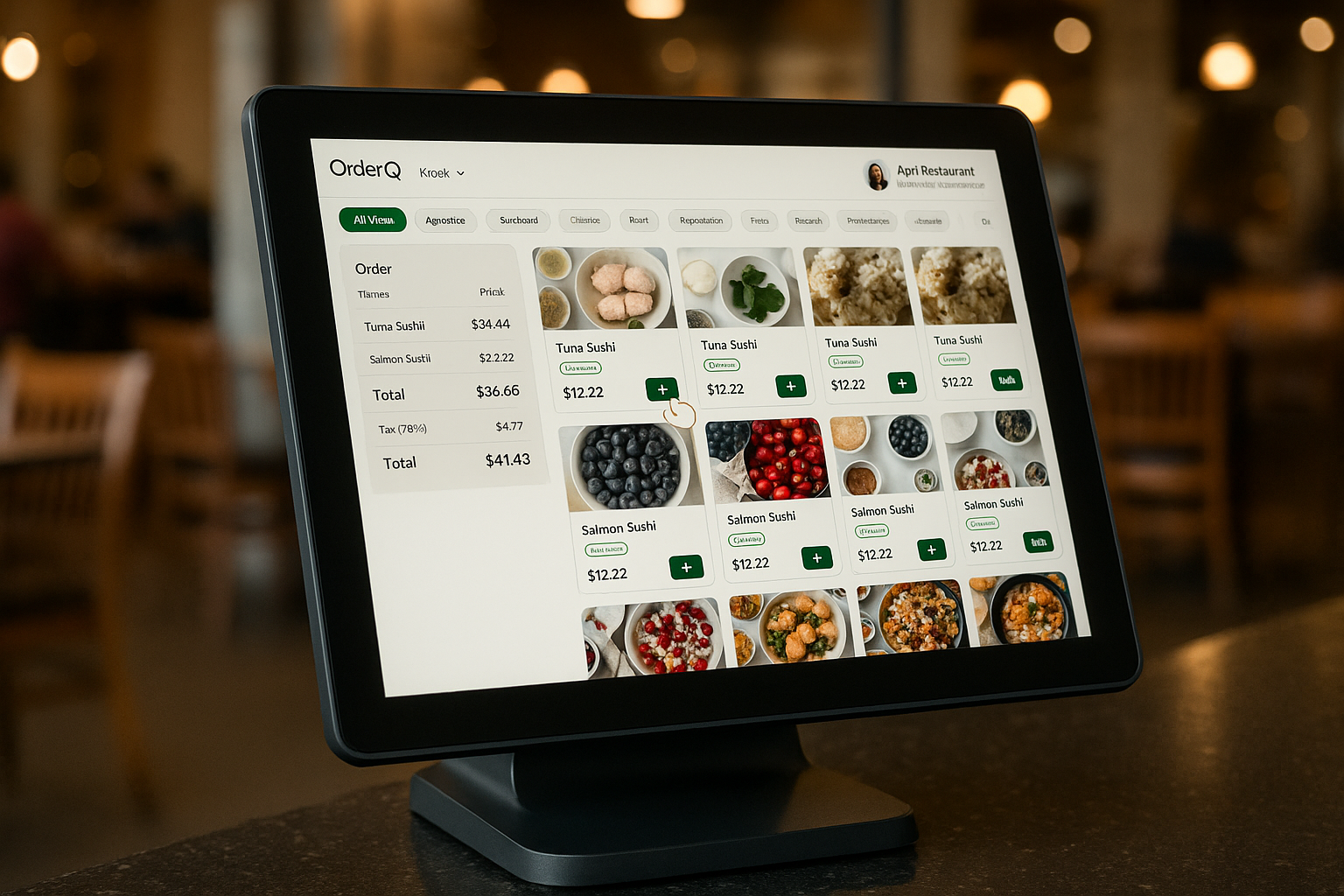
Powerful kiosk interface
Intuitive Menu Navigation
Customers can easily browse your menu with category filters, dietary preferences, and beautiful food imagery.
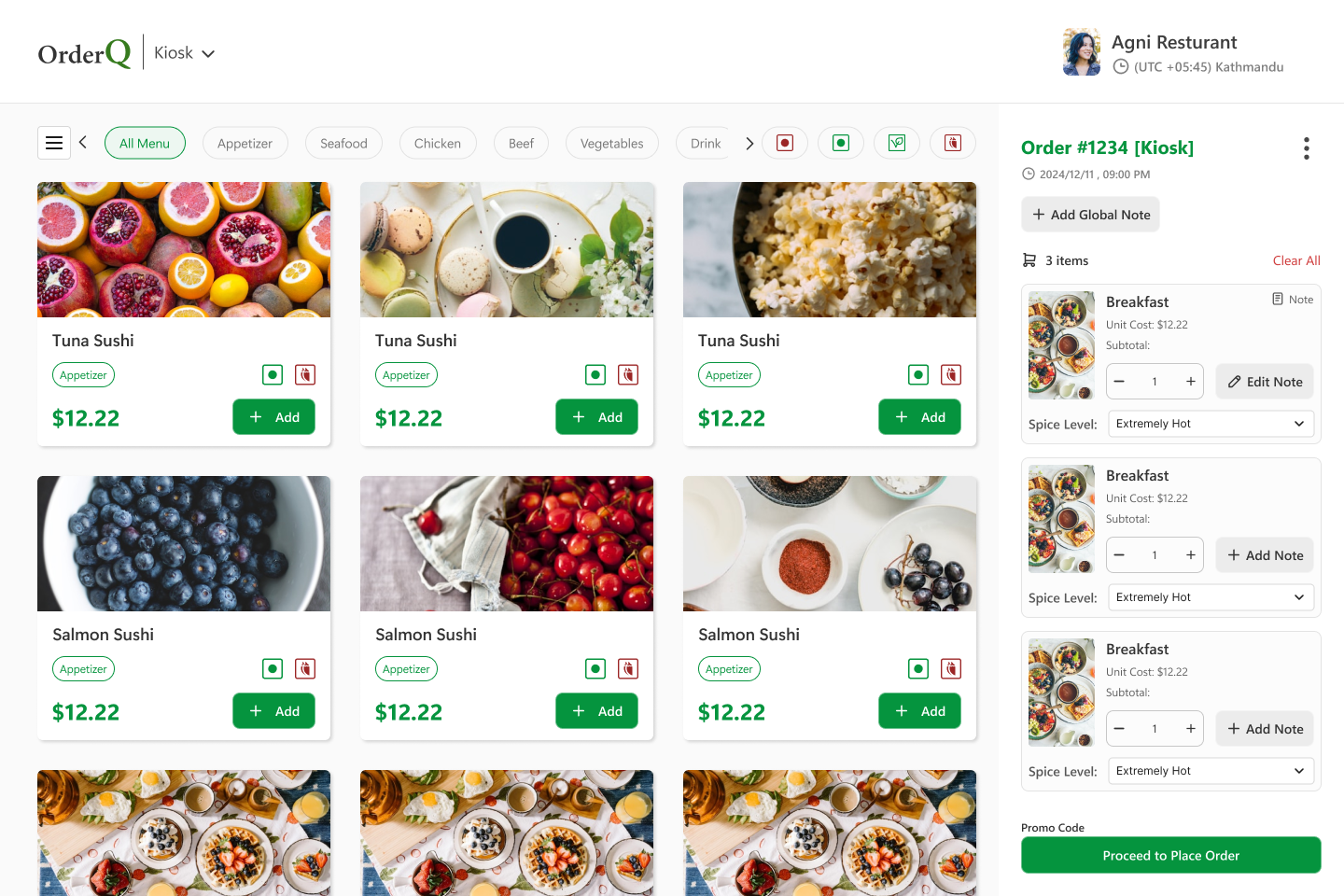
Category-Based Browsing
Organize your menu with customizable categories to help customers find exactly what they're looking for.
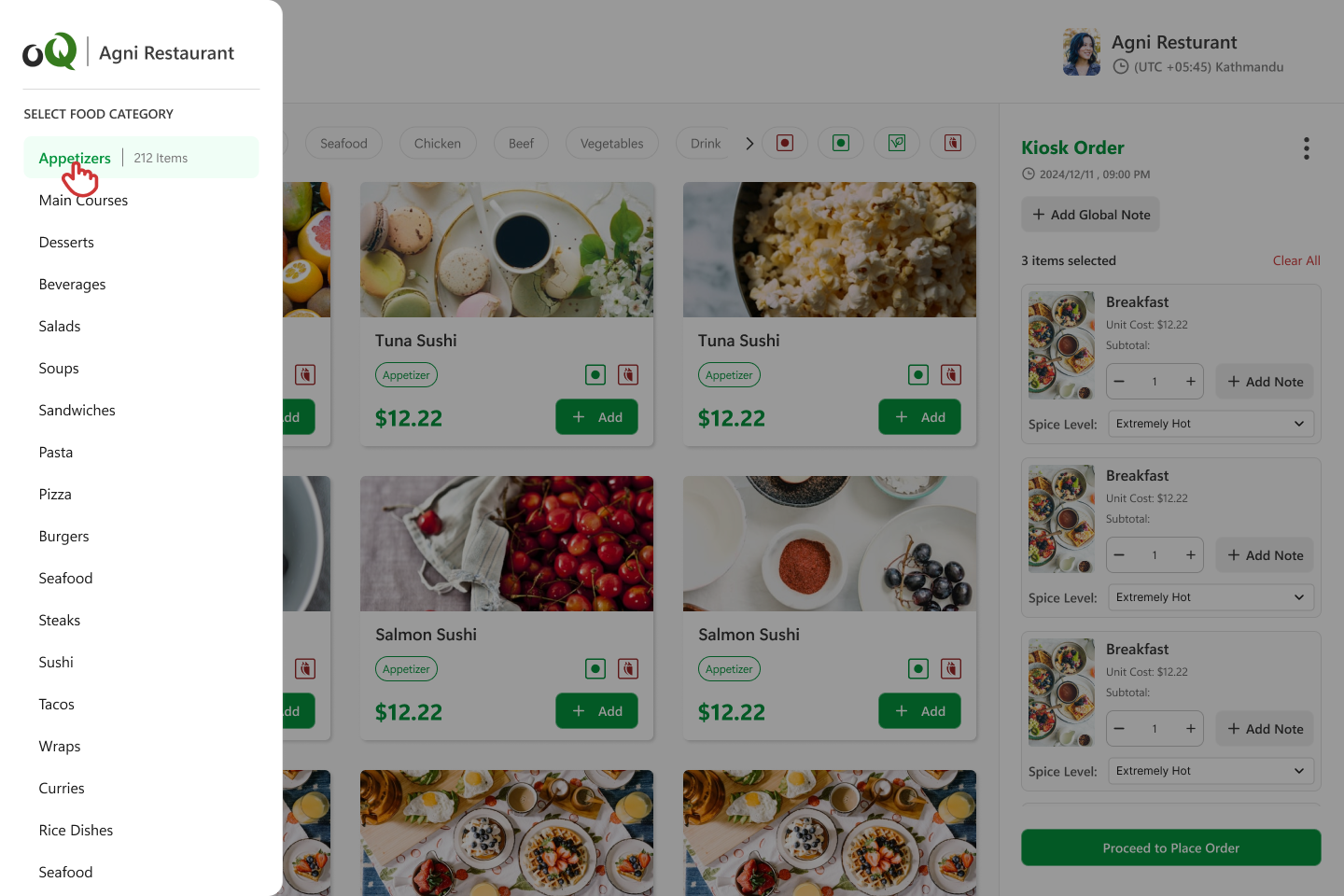
Streamline your in-store ordering
Reduce wait times
Allow customers to browse and order at their own pace, reducing lines during peak hours.
Increase average order value
Intelligent upselling and cross-selling features can increase average order value by up to 30%.
Optimize staff allocation
Redeploy staff to focus on food preparation and customer service rather than order taking.
Key features
Category-based menu
Organize your menu with customizable categories for easy navigation
Dietary filters
Allow customers to filter menu items based on dietary preferences
Item customization
Customers can add notes, adjust quantities, and select options
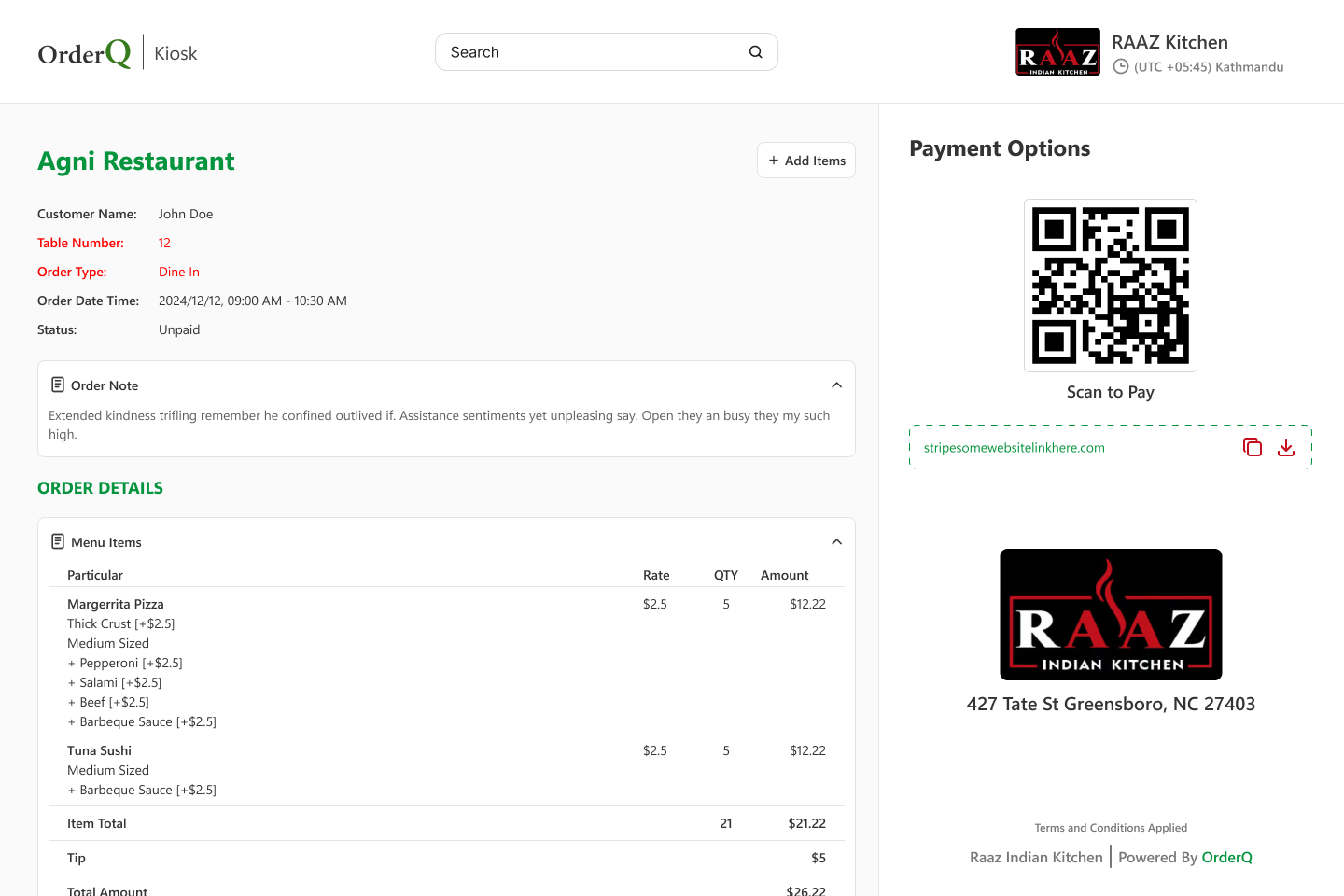
Multiple payment options
QR code payments, credit cards, and pay-at-counter options
Real-time analytics
Track performance metrics and gain insights into customer ordering patterns
Seamless integration with OrderQ ecosystem
The OrderQ Kiosk App is fully integrated with all other OrderQ services, providing a unified platform for managing your restaurant operations.
POS Integration
Orders flow directly into your POS system without manual entry.
Online Ordering
Shared menu and inventory with your online ordering system
Reservations
Allow walk-in customers to join the waitlist via kiosk
Analytics
Unified reporting across all ordering channels
"Since implementing OrderQ Kiosks, we've seen a 25% increase in average order value and significantly reduced wait times during our lunch rush. Our staff can now focus on food preparation and customer service."

Sarah Johnson
Owner, Urban Bites Restaurant
How to get started
Set up your account
Sign up for OrderQ and configure your restaurant profile and menu items
Install the app
Download the OrderQ Kiosk app on your tablet devices from the App Store or Google Play
Start taking orders
Place your kiosk in a convenient location and start accepting self-service orders